Your dual-monitor setup is probably lying to you. We’ve been sold this high-tech dream that “more screens equals more productivity,” but for me, it was just a high-definition recipe for a mental breakdown. I spent years surrounded by glowing rectangles, convinced I was a multitasking god, while in reality, I was just a professional window-switcher who couldn’t focus on a single line of code for more than ninety seconds. Every “quick glance” at my second screen was a micro-betrayal of my own brain. I didn’t need more pixels; I needed a digital cage. I finally nuked my workflow and built a “Focus-First” setup that actually treats my attention like the finite, fragile resource it is.
The Myth of the “Productive” Second Screen:
In the Technology space, the “Second Monitor” is a status symbol. But here is the cold, hard truth: unless you are actively monitoring a live server feed or a stock ticker, that second screen is a distraction magnet.
For a long time, I kept my email or Slack open on the right-hand monitor. I told myself it was for “efficiency.” It wasn’t. It was an invitation for every random notification to hijack my prefrontal cortex.
- The Science: Every time your eyes move to a new stimulus, your brain has to “re-index” your current task.
- The Cost: I was losing up to 40% of my productive output just by having a “passive” information feed visible in my peripheral vision.
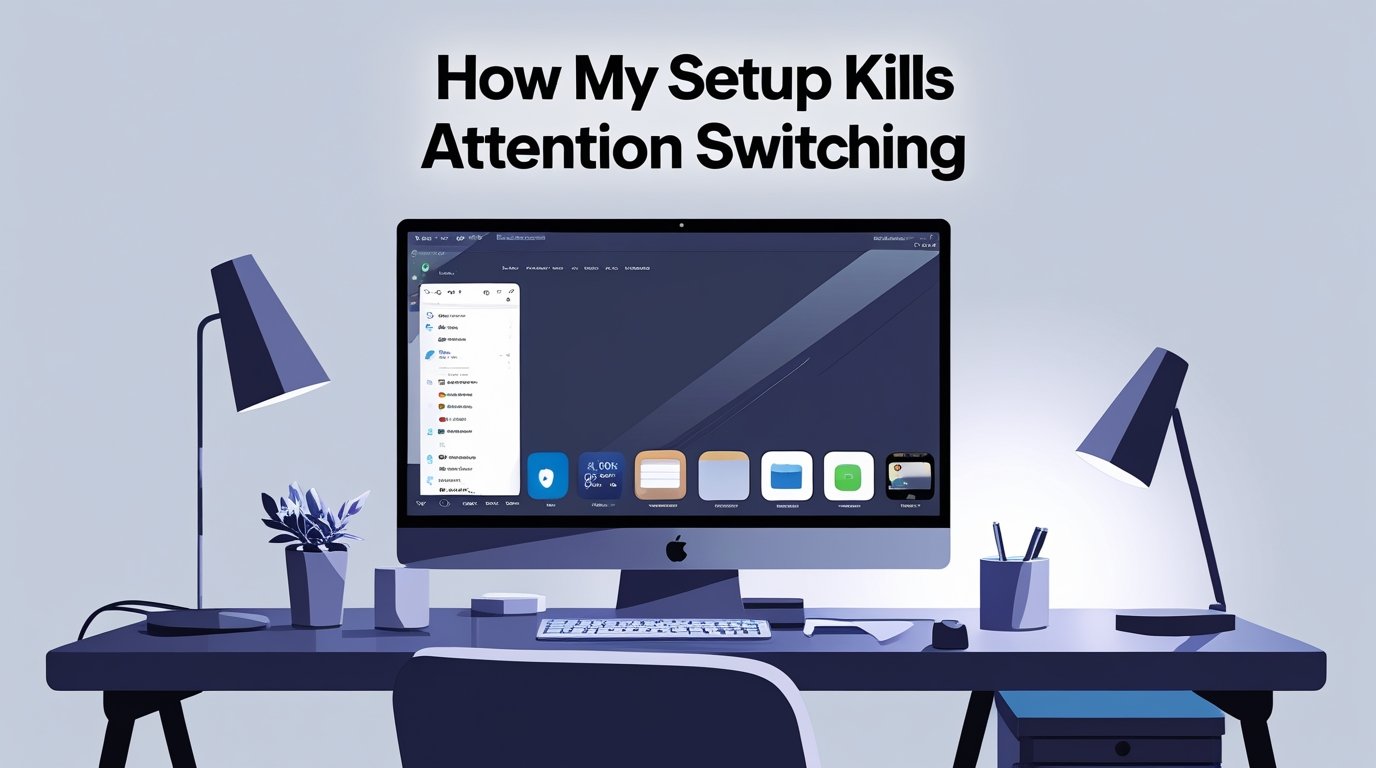
My new setup? A single, ultra-wide monitor. No more “peripheral” distractions. If I want to see a new app, I have to manually “Alt-Tab” to it. That tiny bit of friction is enough to keep my brain in the current task.
Beyond Just Noise Canceling:
I used to think my Sony WH-1000XMs were enough to keep me focused. I’d put them on and play “Lo-Fi Beats” or a podcast. But my setup was still failing me because I was switching between “Lyric-heavy” music and “Logic-heavy” work.
The breakthrough came when I switched to Brown Noise and Binaural Beats.
- Brown Noise: Unlike White Noise, it’s a deep, rumbling sound that completely masks the “click-clack” of my mechanical keyboard.
- The Ritual: I only play this specific frequency when I am in “Deep Work” mode.
Now, the second I put my headphones on and hit that play button, my brain knows the “Switching” phase is over. It’s a physical anchor that grounds me in a single technological task.
The “Black Hole” Smartphone Dock:
If your phone is on your desk, you are already losing. Even if it’s face down, your brain is dedicated to “not checking it.” That’s a background process that eats up your RAM.
My setup now includes a charging dock located in another room.
- The Rule: If I’m at the desk, the phone is in the “Black Hole” (the kitchen).
- The Result: I stopped the “phantom vibration” syndrome where I’d reach for my pocket every five minutes.
By removing the device from my visual field, I killed the most frequent “Attention Switch” in modern life. If it’s not physically there, the temptation to switch disappears.
Automation as a Focus Guard:
I’ve used Technology to protect me from… well, technology. I’ve set up a “Deep Work” automation using the macOS Shortcuts app.
When I trigger my “Focus” shortcut:
- Slack, Discord, and Email apps are instantly quit.
- A specific website blocker (I use Cold Turkey) activates for 90 minutes.
- My lights dim slightly to signal a change in environment.
Instead of relying on “Willpower”, which is a terrible strategy, I’ve built a setup where I can’t switch even if I wanted to. The machine enforces the focus for me.
Validating My Focus (The $1,000 Connection):
It’s funny how a bad setup can lead to bad business decisions. In my previous post about [Why Skipping Demand Validation Cost Me $1,000], the root cause was actually my lack of focus. Because I was “Attention Switching” between five different “Shiny Objects,” I never spent the deep, focused time required to actually look at the market data. I was busy, but I wasn’t productive. A focused setup is the only way to avoid those $1,000 “ego mistakes.” You can’t validate a business idea while you’re distracted by three browser tabs and a buzzing phone.
The “Single-Task” Desktop Layout:
I stopped using my desktop as a “storage unit.” Now, it is a blank slate.
- The Layout: Zero icons. A dark, neutral wallpaper.
- The Dock: Hidden by default. It only appears when I hover over the bottom of the screen.
When I open my laptop, the only thing I see is the task I am currently working on. There are no “Visual Cues” suggesting that I should switch to something else. Most people’s setups are like a messy kitchen—it’s hard to cook a meal when you have to move five piles of mail off the counter first. My digital counter is always clean.
Analog Interjections in a Digital World:
The irony of a perfect Technology setup is that it needs an analog component. I added a physical Hourglass to my desk. There is something about seeing the physical sand drop that makes the passage of time “Real.” When I see the sand running out, I’m less likely to waste five minutes on a “Quick News Check.” It reminds me that my focus is leaking away, and I need to stay in the zone until the glass is empty.
The Bottom Line:
We are living in an attention economy, and your tech setup is your only defense against the constant “switching” that leads to burnout and half-finished projects. I stopped building a setup that looked “cool” and started building one that worked. By removing the second monitor, silencing the phone, and automating my focus, I reclaimed about three hours of my day that were previously lost to the “Switching Tax.” Treat your focus like your most expensive asset, because it is.
FAQs:
1. Is one monitor really better than two?
For “Deep Work,” yes. For “Admin Work,” two can be fine. If you write, code, or design, try the single-monitor life for a week. You’ll be shocked at your focus.
2. Which Focus app should I use?
Start with the “Focus Modes” built into your phone and computer. They are free and already integrated. Only buy a third-party app if you need “hard blocking.”
3. How do I handle “Urgent” Slack messages?
Define “Urgent.” Most things can wait 60 minutes. Set your status to “Deep Work” and give people a way to call you if the building is literally on fire.
4. Does this setup work for a laptop?
Absolutely. In fact, a 13-inch laptop screen is a “Focus Powerhouse” because you physically cannot fit more than one window on the screen comfortably.
5. Is it hard to stop checking my phone?
The first three days are brutal. After that, you stop thinking about it. Your brain actually feels “quieter.”
6. Can I still listen to music?
Yes, but try “Functional Music.” Avoid anything with words. Your brain can’t “Read” and “Listen to lyrics” at the same time without switching.